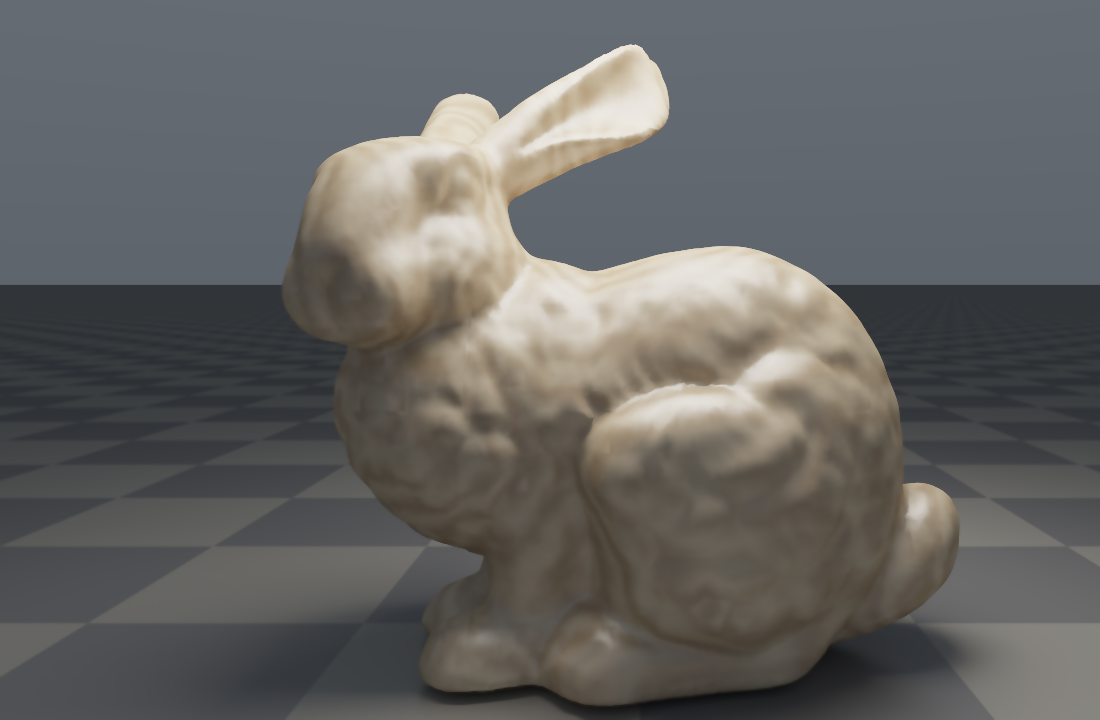
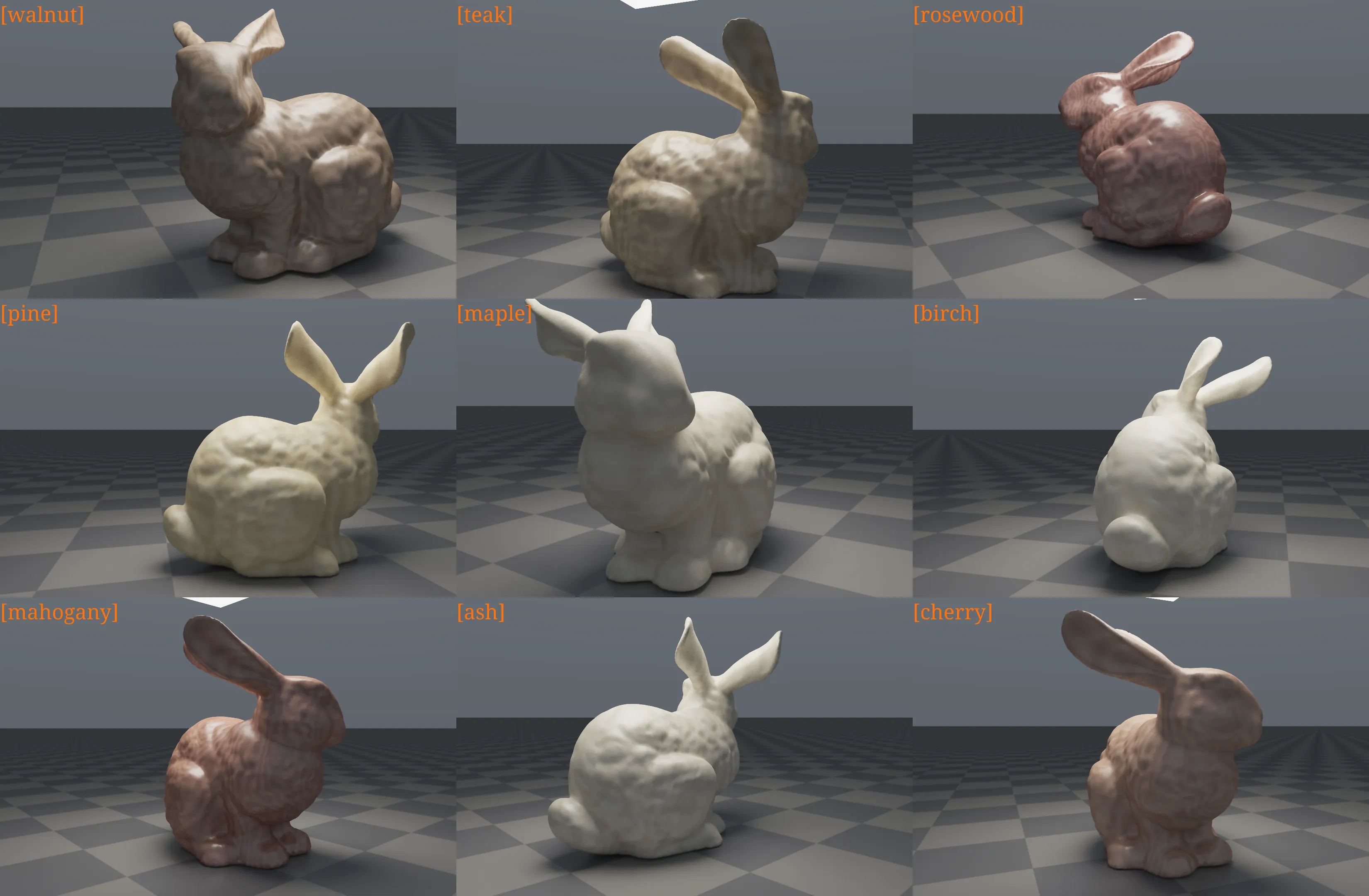
The source cuda code can be found here, which you should noted is that the stb_image.h, stb_image_write.h and the stanford-bunny.obj must be placed at the same file level.
1. Basic Rendering Equation
For any surface point and view direction , we use the standard surface rendering equation:
Where:
- : outgoing radiance
- : emitted radiance (only for light sources)
- : surface BSDF (both wood and ground are non-delta)
- : incident radiance
In this implementation, both the bunny and the ground are non-specular-delta materials, so both can use NEE + MIS.
2. Wood Material Model
woodbunny.cu uses an empirical model: “procedural texture + diffuse + clear-coat-like specular”:
And:
The specular term uses a power-cosine (Phong-like) form, with exponent mapped from roughness.
3. Procedural Wood Grain
3.1 Multi-frequency Noise (FBM)
FBM is built by summing value noise:
Used for:
- Coordinate warping
- Long-direction grain details
- Pore darkening mask
3.2 Ring and Grain Fusion
The main wood pattern comes from “radial rings + perturbation”:
Then it is combined with longitudinal grain and streak into a blend factor :
The final color is obtained by interpolating between light and dark tones:
And pore darkening is applied:
4. Direct Lighting Estimation: NEE
For the rectangular area light , next-event estimation is used:
Where is visibility evaluated by a shadow ray.
5. MIS (Light Sampling + BSDF Sampling)
The implementation uses the power heuristic:
- Multiply light-sampling contribution by
- Multiply BSDF-path-hit-light contribution by
This is more stable under small area lights + rough highlights, and significantly less noisy than a single strategy.
6. Path Throughput Update
At each bounce:
After a certain depth, apply Russian Roulette:
This keeps the estimator unbiased while controlling computation cost.
7. Firefly Suppression and Denoising
7.1 Firefly Clamp
Apply soft clamping to overly bright sample radiance to suppress high-frequency bright speckles:
7.2 Post-process Denoising (HDR Joint Bilateral)
In tonemap_ui_kernel, perform HDR-domain joint bilateral filtering before tonemap/gamma:
- Spatial weight: based on neighborhood distance
- Color weight: based on HDR difference and adaptive to spp
This significantly reduces noise while preserving wood-grain boundaries.